3D Backgrounds
Create a Global Library of HDR Files
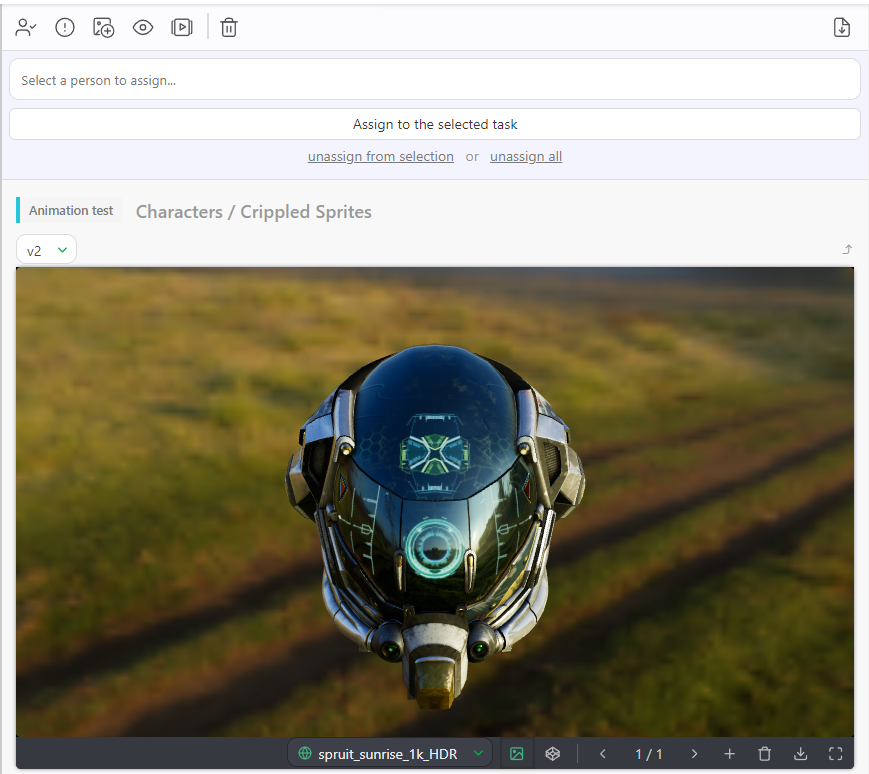
The 3D Backgrounds feature enhances your review of 3D files (.GLB) by incorporating an .HDR background to make things easier to review.
The .GLB file format is a binary container that encompasses various 3D assets and resources. These assets may comprise 3D models, textures, materials, and animations.
Definition
It means you can review your 3D files with lighting information.
In this section, you can create your own. .HDR files library that you can use in your production.
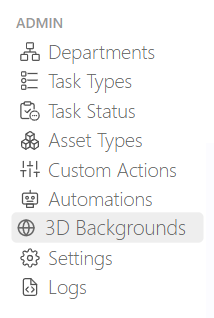
Go to the main menu  , and select 3D Backgrounds.
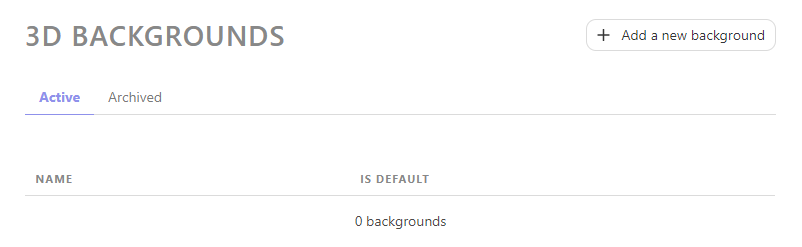
From here, you can add a .HDR Background by clicking the +Add a new background button.
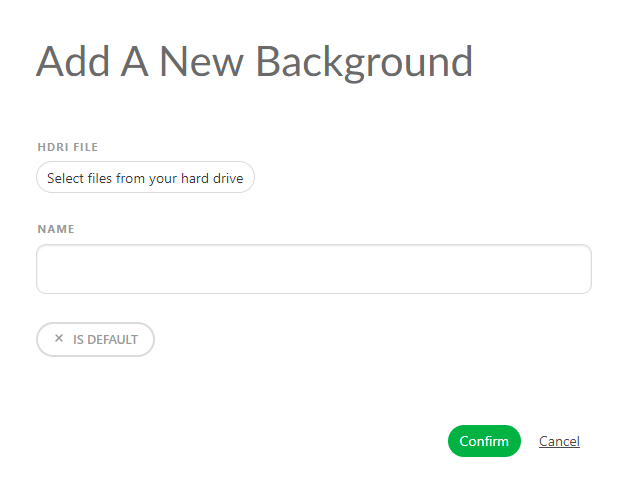
From this point, you'll need to select your .HDR background, provide a name for it, and decide whether you want this .HDR to serve as the default background.
TIP
Checking the Is Default option means this HDR will be applied across your entire production instead of the default grey background.
Once you have uploaded all your .HDR files, Kitsu will display them as a list.
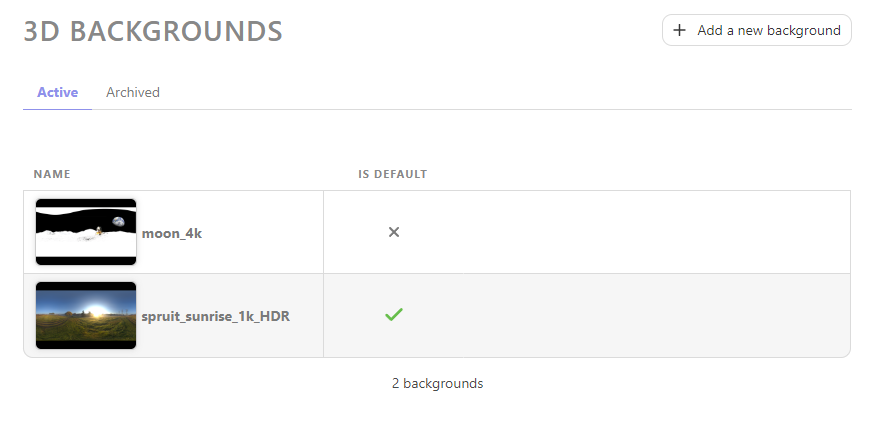
Your new 3D Background is now created in your Global Library.
WARNING
You must add them to your Production Library once you have created your production.
Select Specific Preview Background for a Production
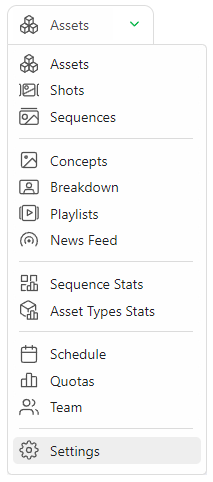
On the Navigation Menu, choose on the dropdown menu the Setting.
On the Preview Backgrounds tab, you can choose which HDR file you want to add or remove on this production,
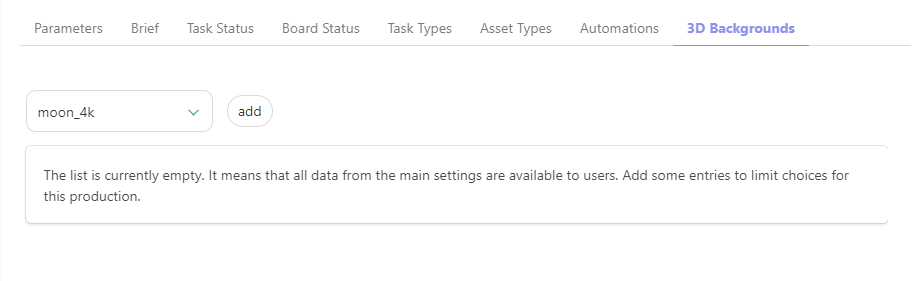
Validate your choice with the add button.
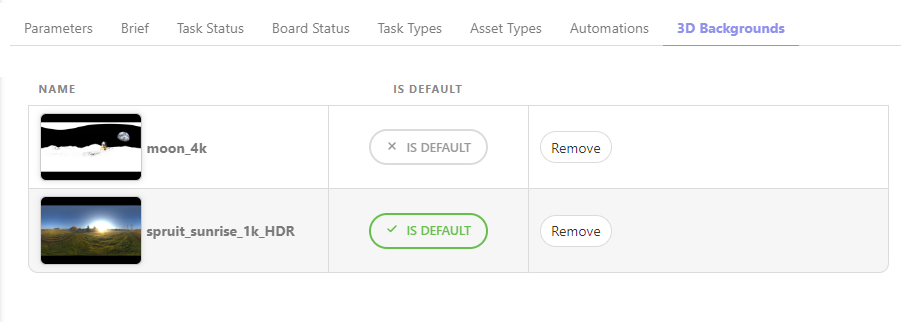
You can review your 3D file with an HDR background.