Managing Episodes
TV Show productions have access to Episode containers to organize sequences and shots.
Episodes Overview
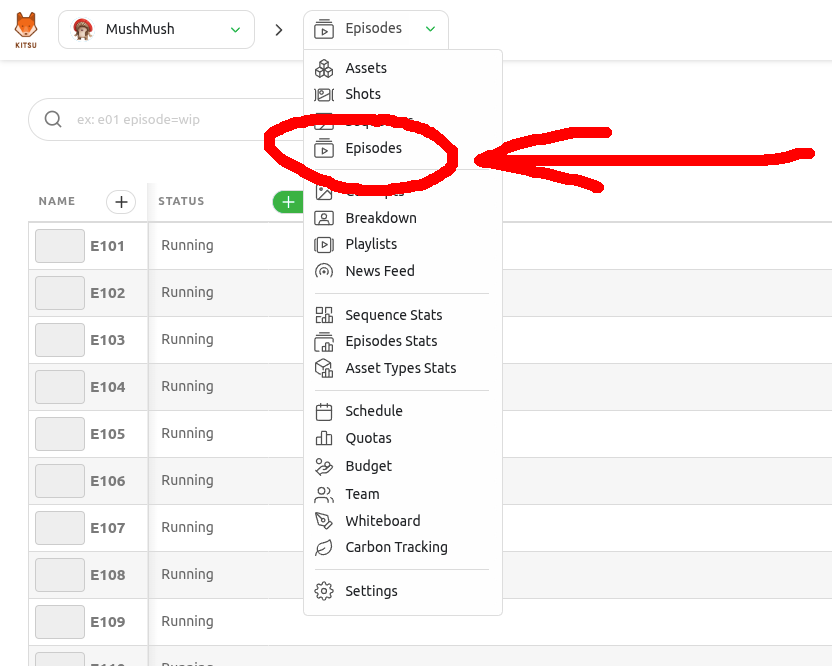
In your production menu, click Episodes:
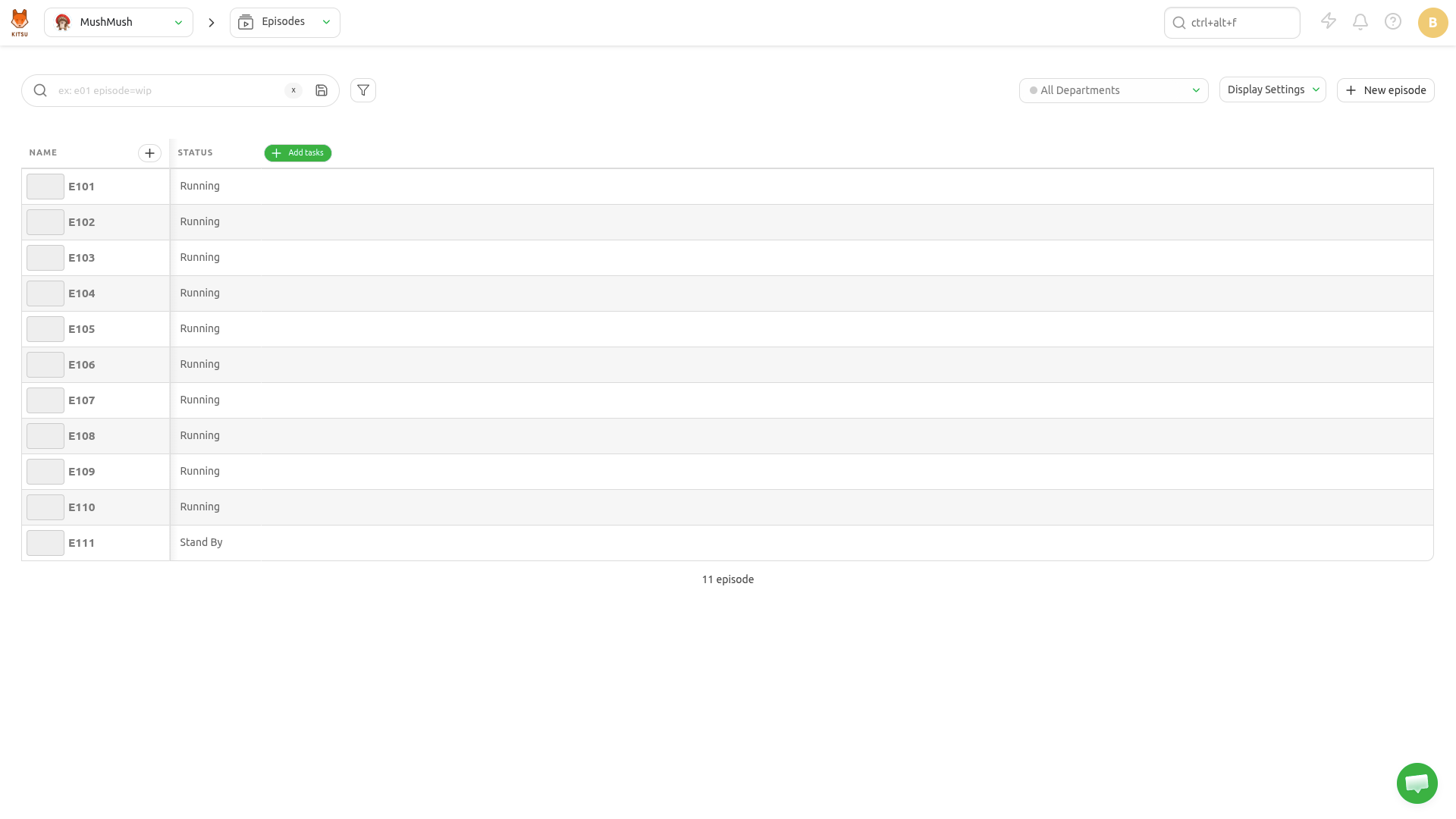
You'll then reach the Episodes page with a full list of episodes for the current production:
Create Episodes
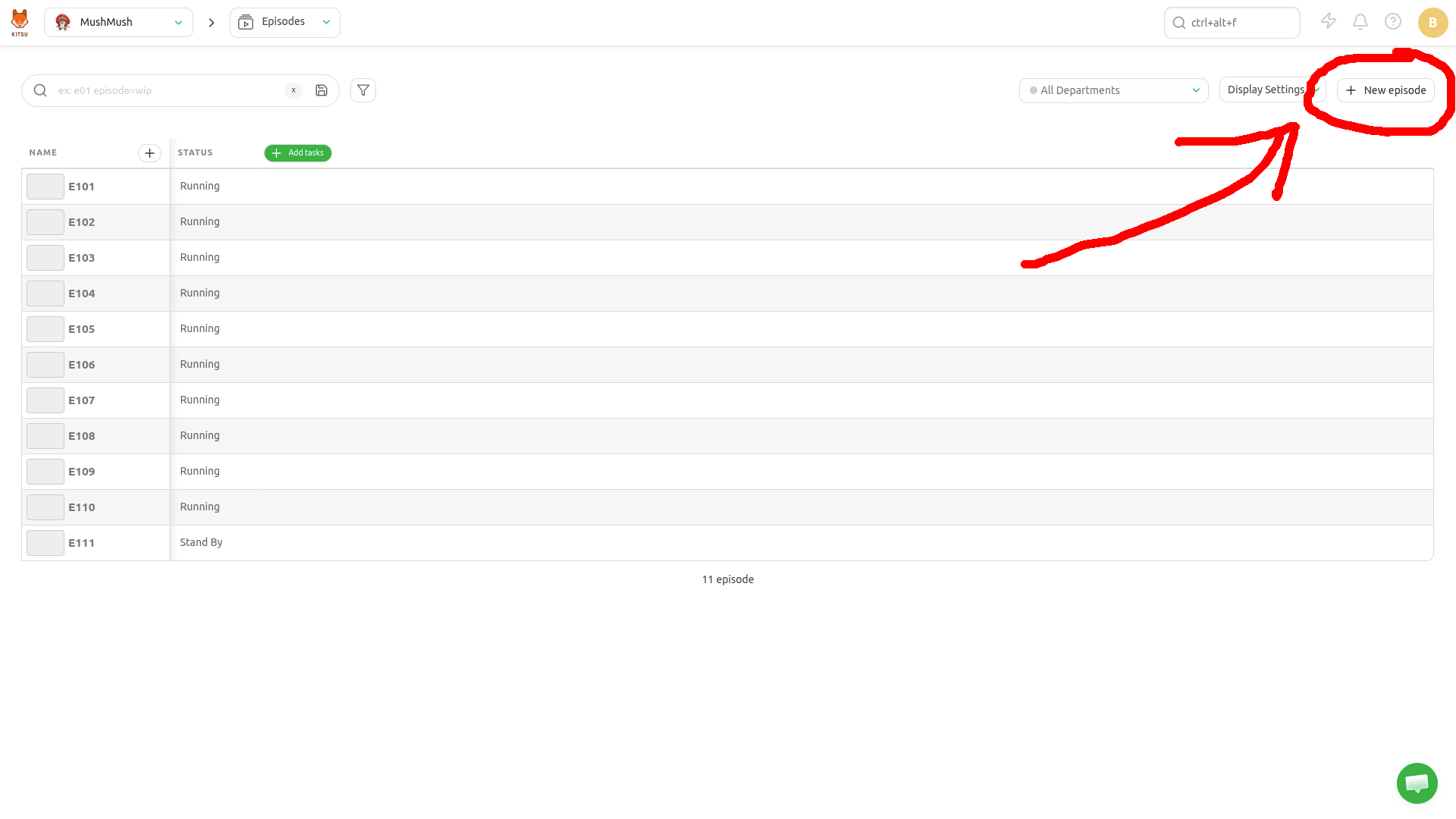
In the Episodes page, click New episode in the top right corner:
A modal appears. Fill the form and click Confirm:
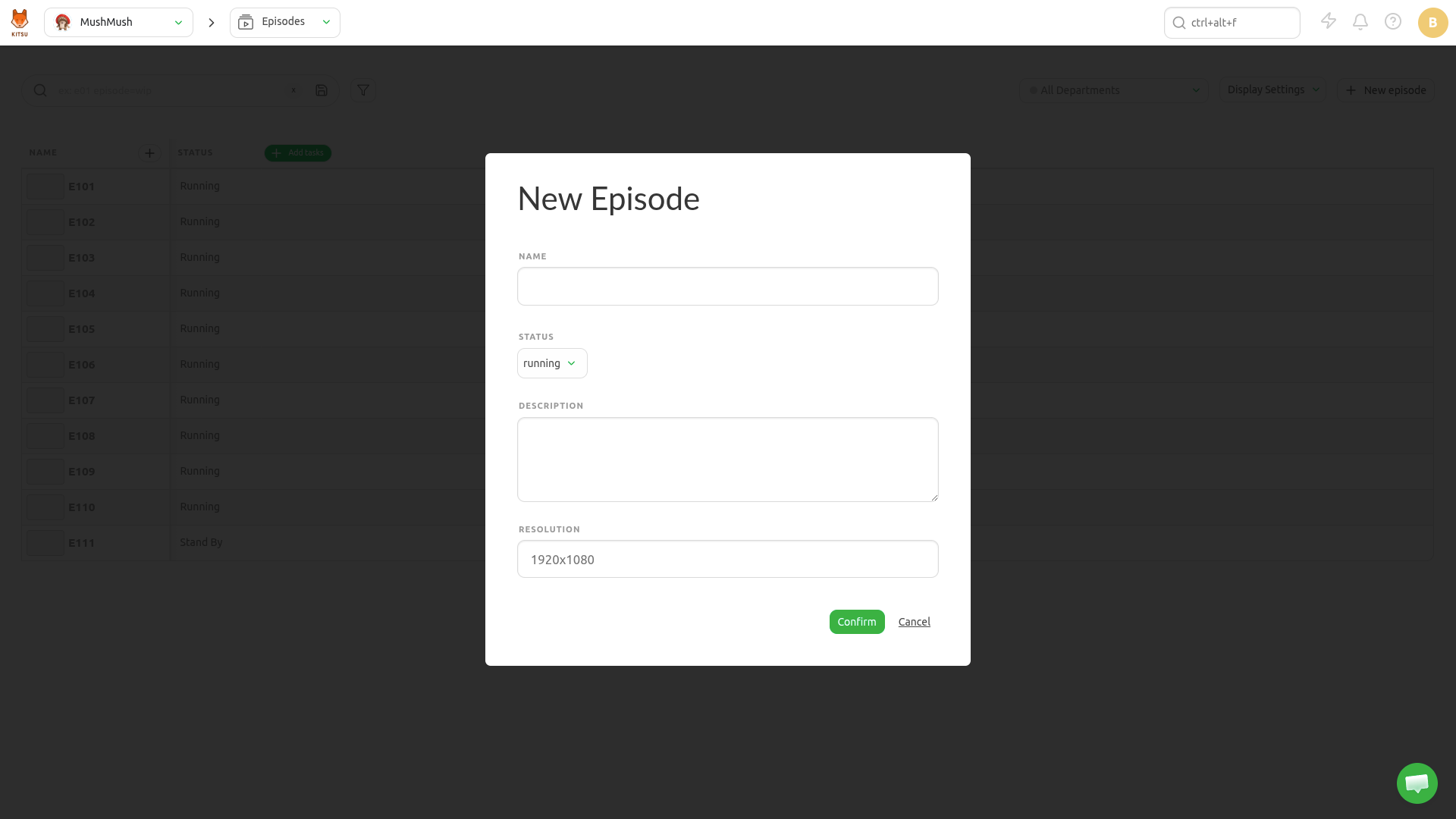
- Name: the episode name
- Status: the production status of the episode (canceled, complete, running, standby)
- Description: a short description of what the episode is about
- Resolution: the episode resolution e.g "1920x1080", "4K", etc.
Update Episodes
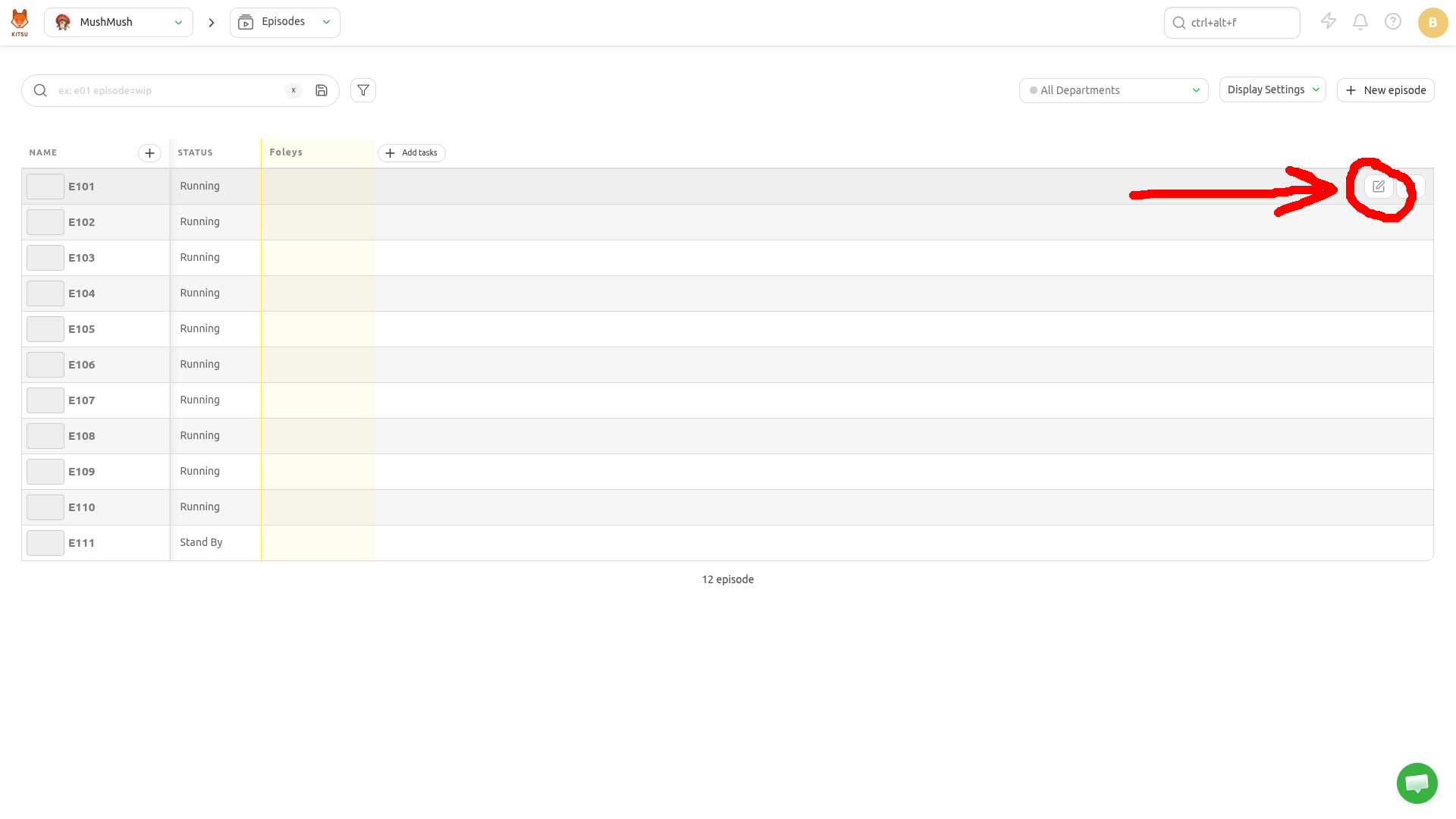
Hover over the episode row you wish to edit in the list and click the Edit icon:
Delete Episodes
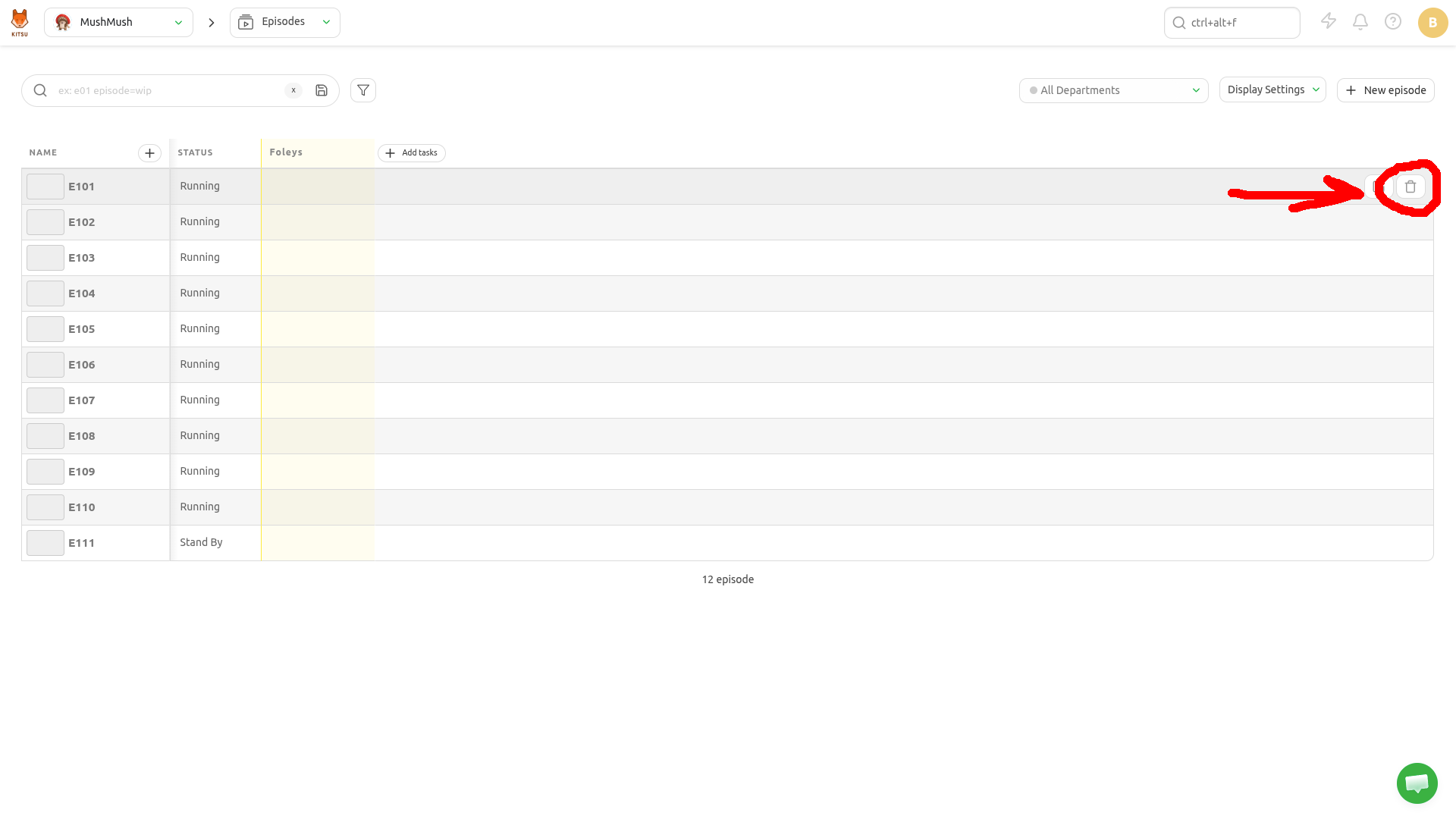
Hover over the episode row you wish to remove in the list and click the Delete icon: