Import Your Team
Chances are you already have a list of your employees somewhere.
You have three ways to import them in Kitsu:
- Importing a
.csvspreadsheet file directly - Copy-pasting your data directly into Kitsu
- Using the Developer API
Add Employees from a CSV Spreadsheet File
First, save your spreadsheet as a .csv file.
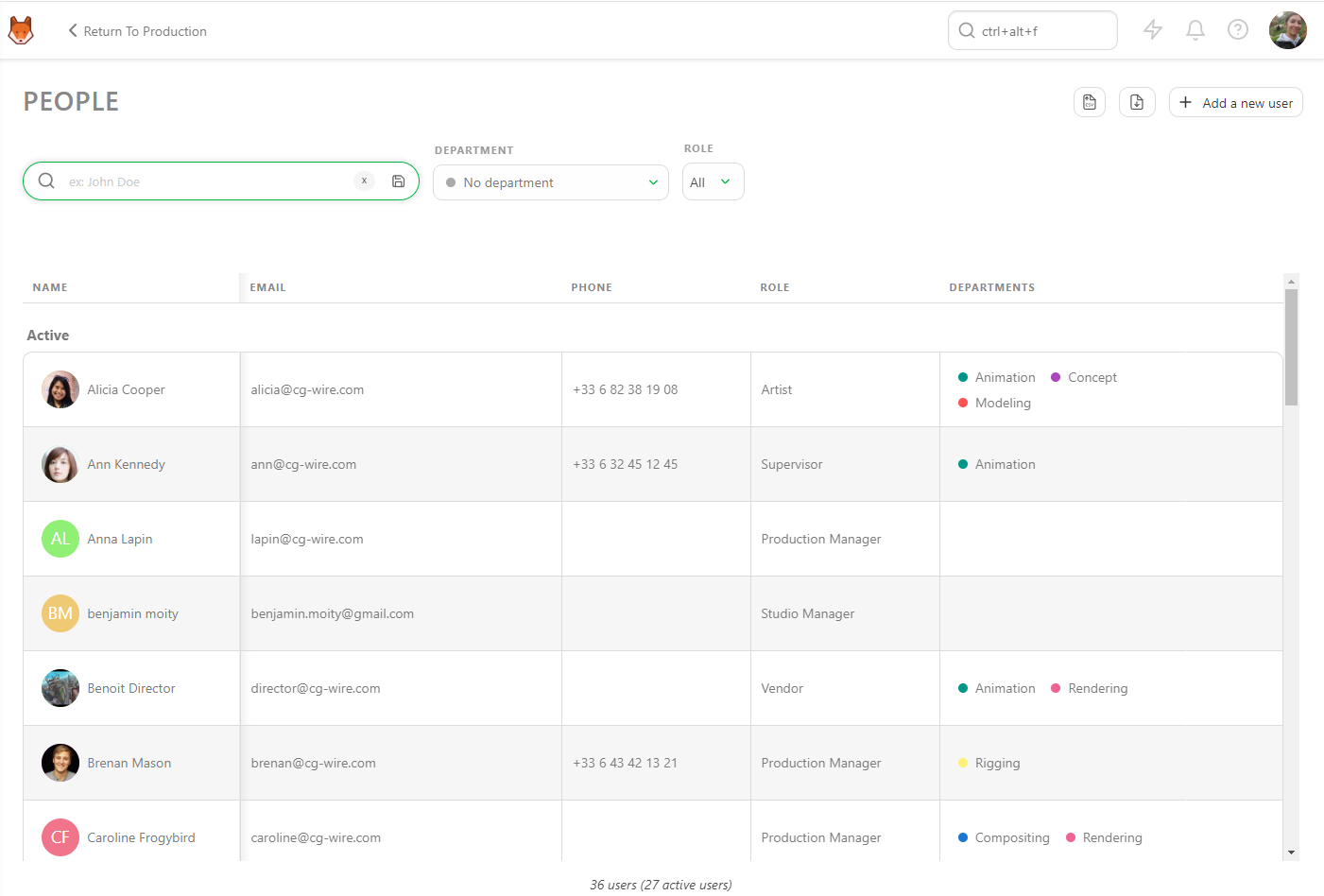
Then, go back to the People page on Kitsu and click on the Import icon:

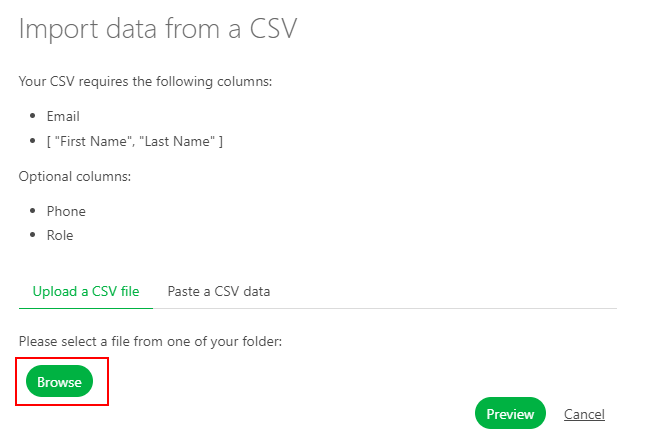
A pop-up window Import data from a CSV will open. Click on Browse to pick your .csv file.
To see the result, click on the Preview button.
You can check and adjust the column names using the preview of your data.
Note: The Role column is not mandatory.
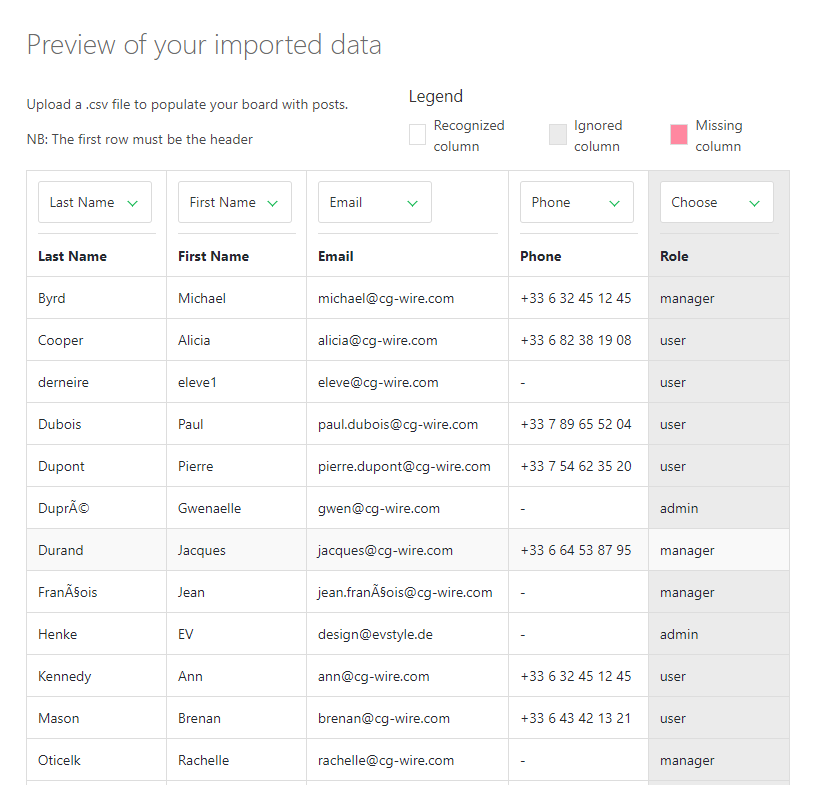
Once everything looks good, click on the Confirm button to import your data into Kitsu.
Now, you have all your people imported into Kitsu.