
Managing Studio Labels
A studio is a label used to organize teams and tasks in multi-studio or multi-site productions.
You can use it to filter tasks, schedules, and teams per studio.
Go to Main Menu > Admin > Studios to reach the Studios page.
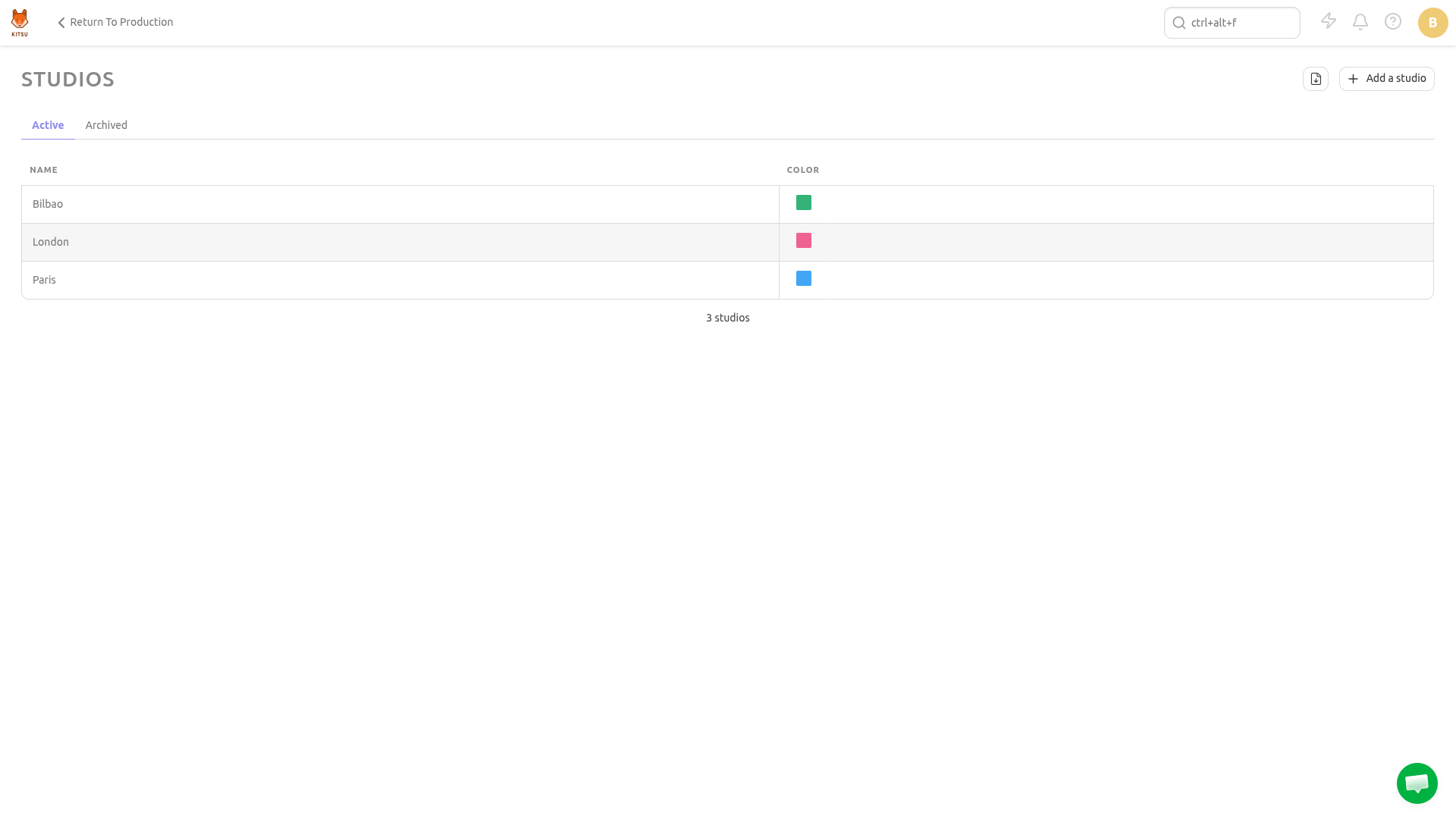
Create a Studio
To create a new studio, click the Add a studio button:
It'll open a dialog to add a name for the studio and pick a color:
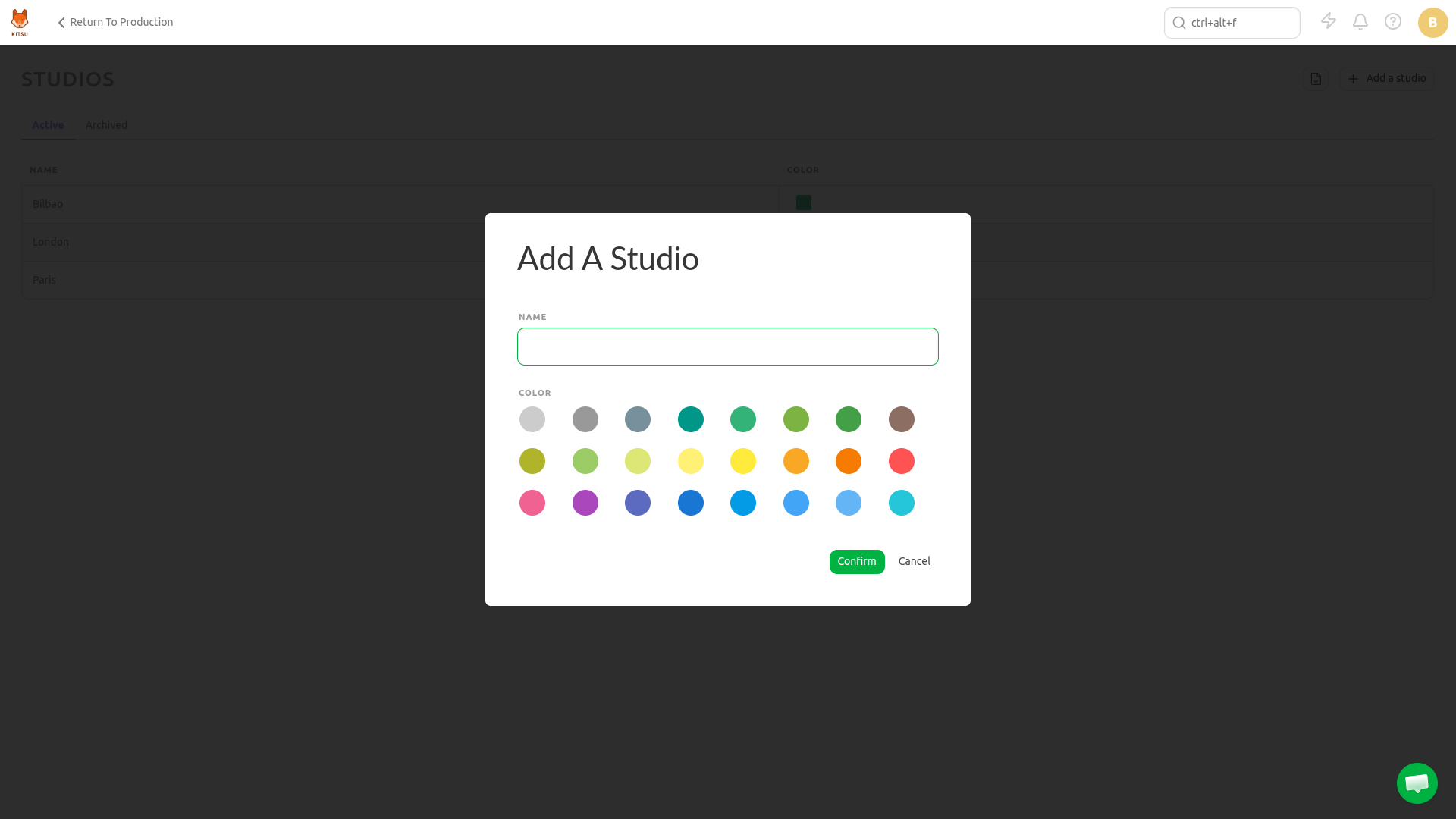
Just click Confirm to save.
Update a Studio
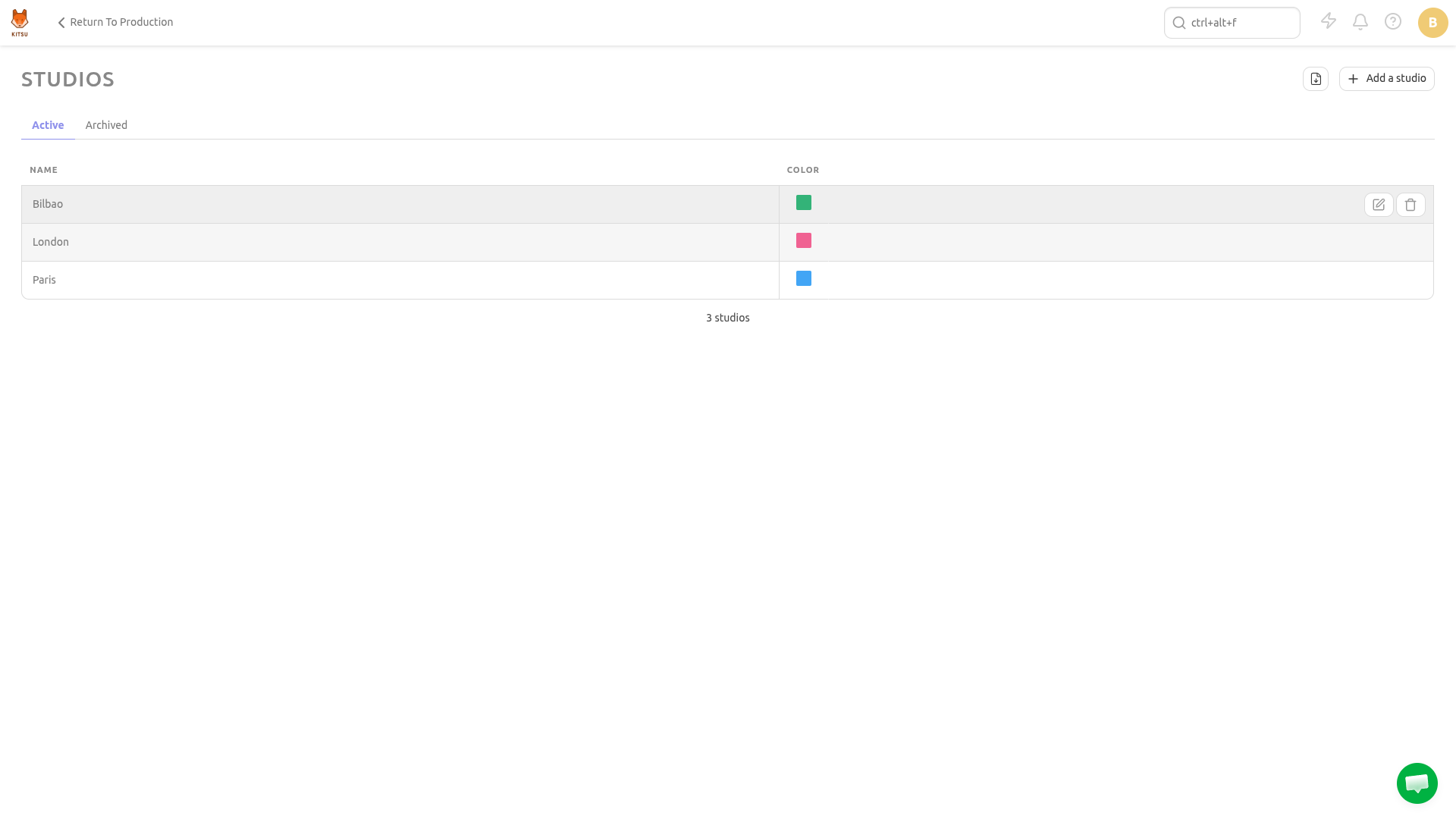
Hover over the studio row you wish to edit in the list and click the Edit icon:
How to Add People to a Studio
In the People page (Main Menu > Admin > People), click on a user to edit their studio affiliation.
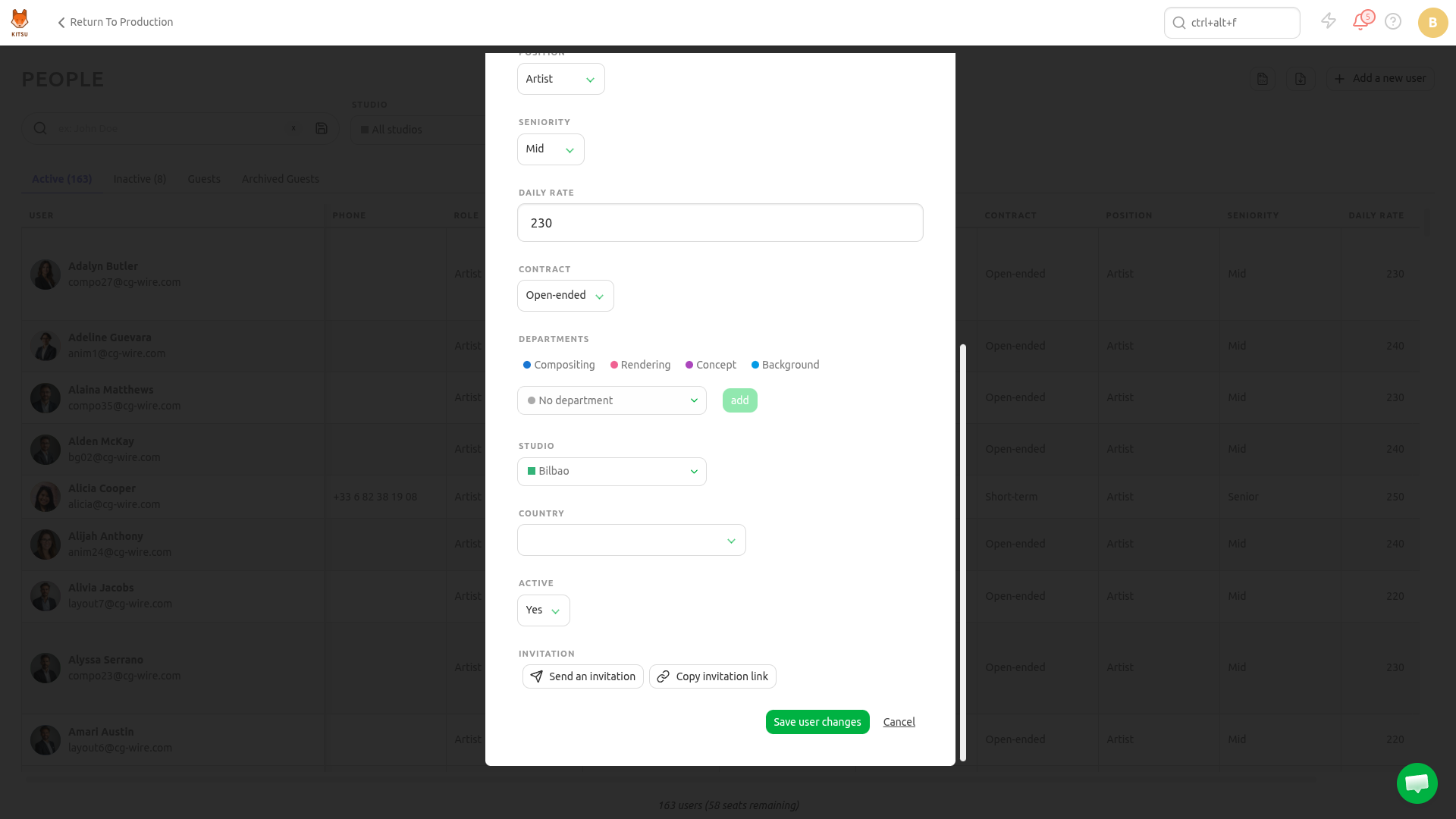
Similarly, you can remove someone from a studio by selecting the No Studio option.
How to Filter Views by Studios
The Team Schedule and All Tasks pages display a studio filter you can use to filter tasks.
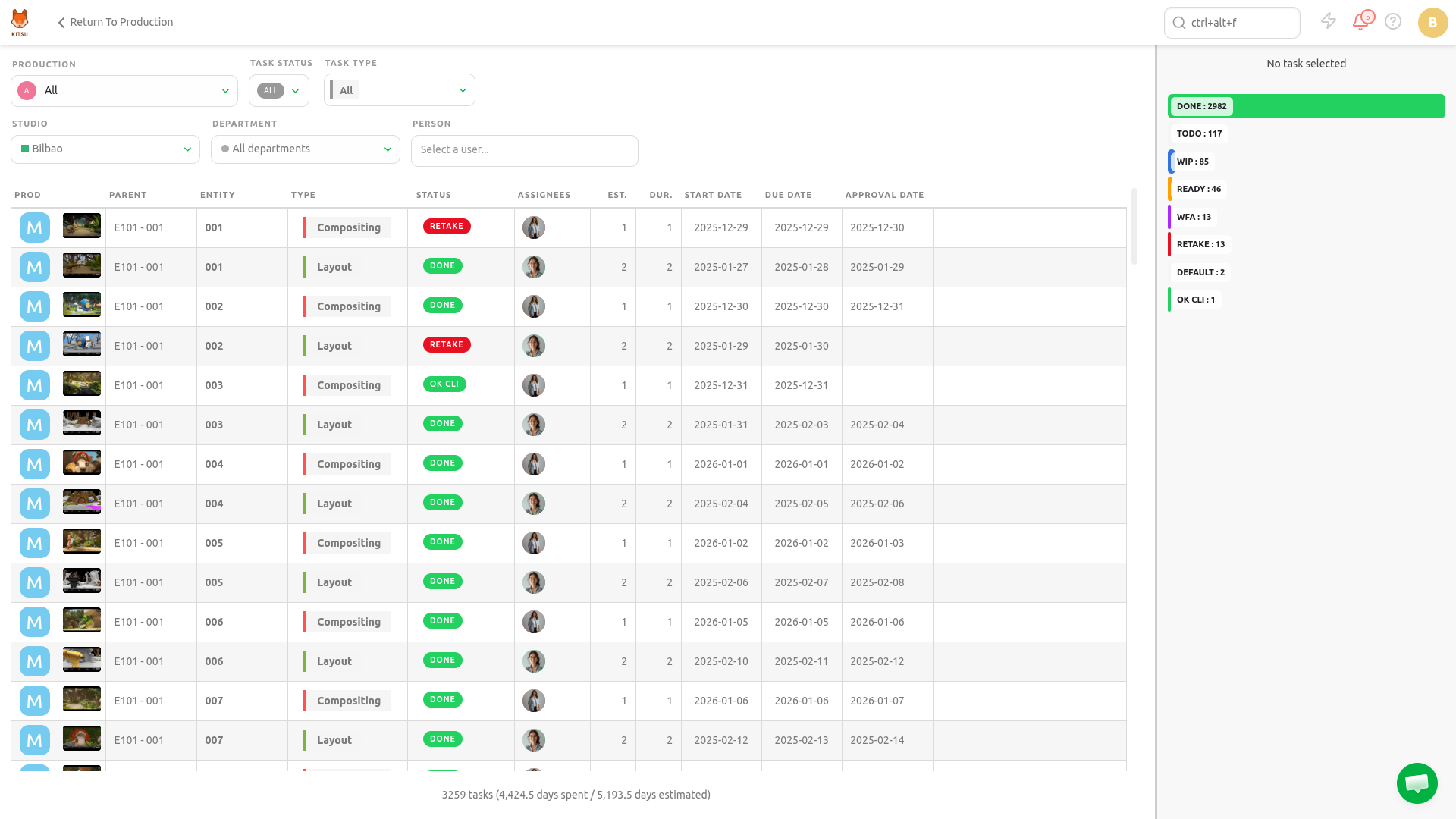
Simply pick the desired studio in the dropdown selector.
Remove a Studio
Hover over the studio row you wish to remove in the list and click the Delete icon: