
Managing Departments
Departments are designed to help supervisors and artists focus on their tasks. Once a user is linked to one or more departments, supervisors and artists gain direct access to a filtered view of all tasks associated with that task type.
Departments are also used to define what metadata columns appear for users within that department. If a metadata column is linked to a department, then they will only show up for users in that department. If a metadata column is not associated with a department, they will show up for everyone.
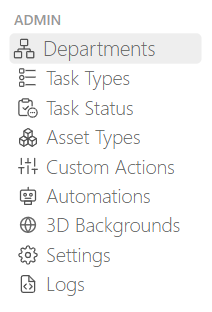
To manage your departments, select the Department page under the Admin section from the main navigation menu.
Creating Departments
Defining your studio's Departments is typically the first step in setup, as multiple objects such as people and task types are linked to a department.
TIP
By default, Kitsu provides some example departments to help you get started.
If you need to create more departments, you can click on the Add a department button:

When adding a department, you need to define:
- The name of the department
- A color (it will be displayed as a small round circle next to a column task type or a custom column)
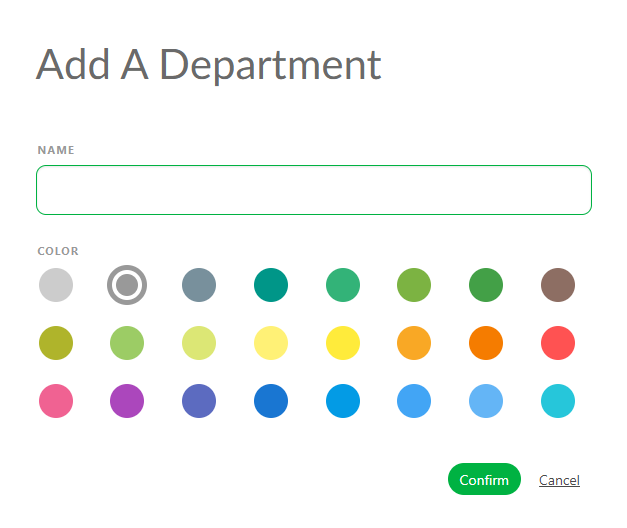
Click on Confirm to save your changes.
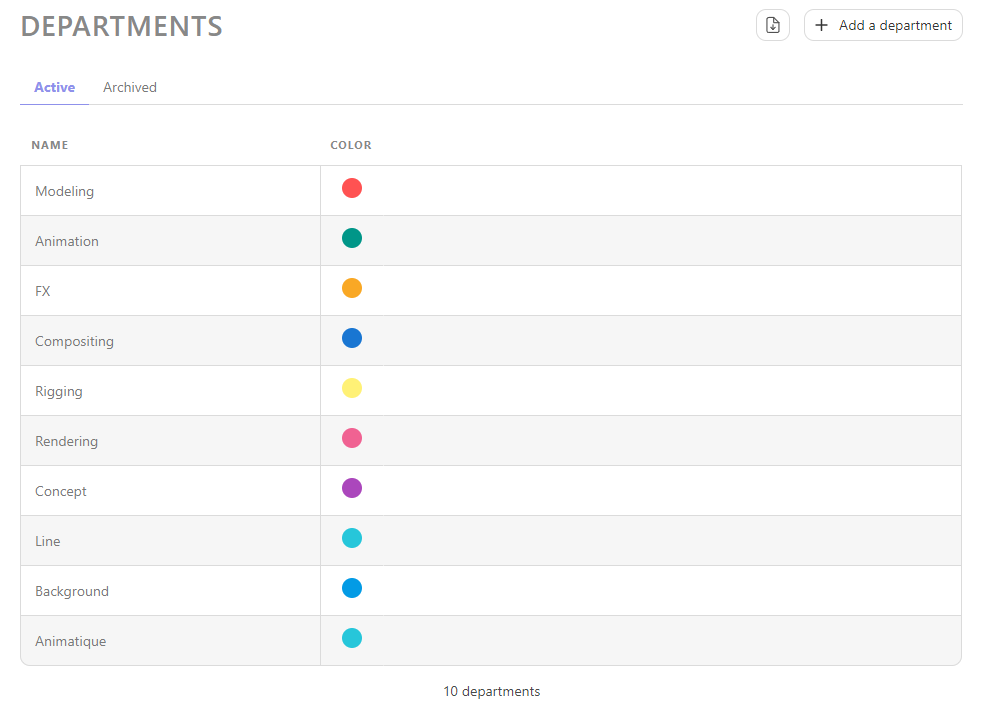
Once you finish creating the department, your page should look like this. Each department has a unique name and a corresponding color:
Update Departments
To update a department simply stay in the Departments page and hover your cursor over the department row you wish to edit and click the Edit icon.
Delete Departments
To remove a department, hover over the department row you wish to select and click the Delete icon.