
Managing Teams
There are two libraries for users:
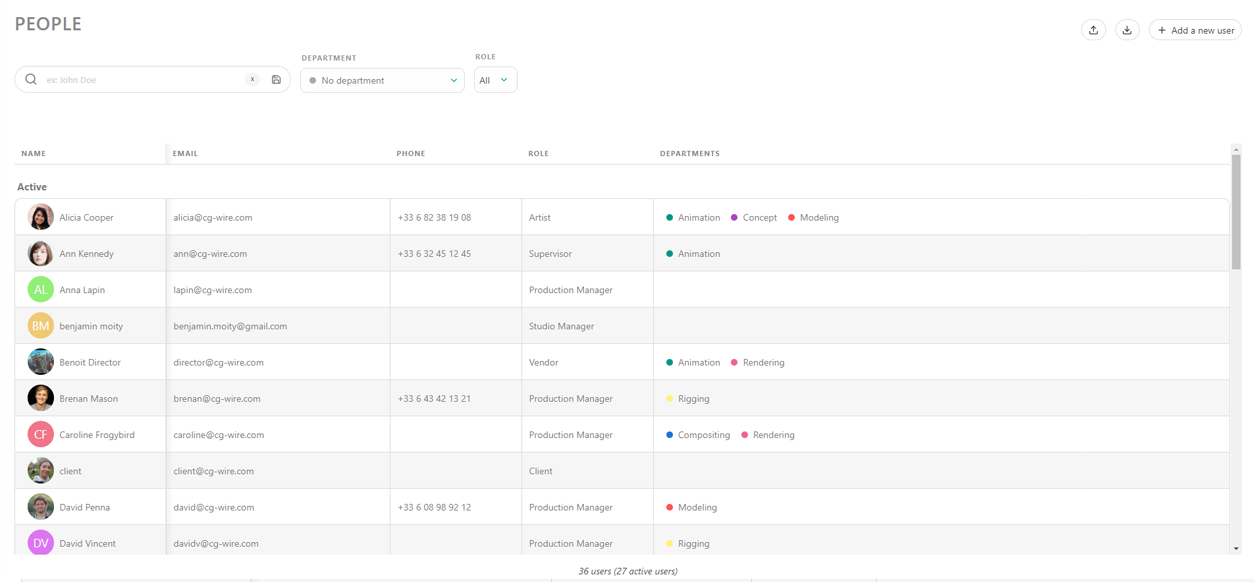
- The People Page (Global Library) is used to determine users' permissions, contracts, and departments they belong to.
- The Team Page (Production Library) is used to define who is working on a project and provide access to the production.
Creating Users
To assign tasks to people, you first need to create an account for them in Kitsu.
Go to the Main Navigation Menu and choose the People page under the STUDIO section.
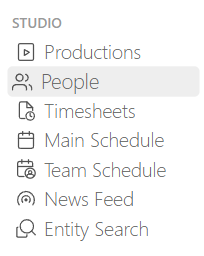
Then, click on the Add a new user button to open the creation modal:
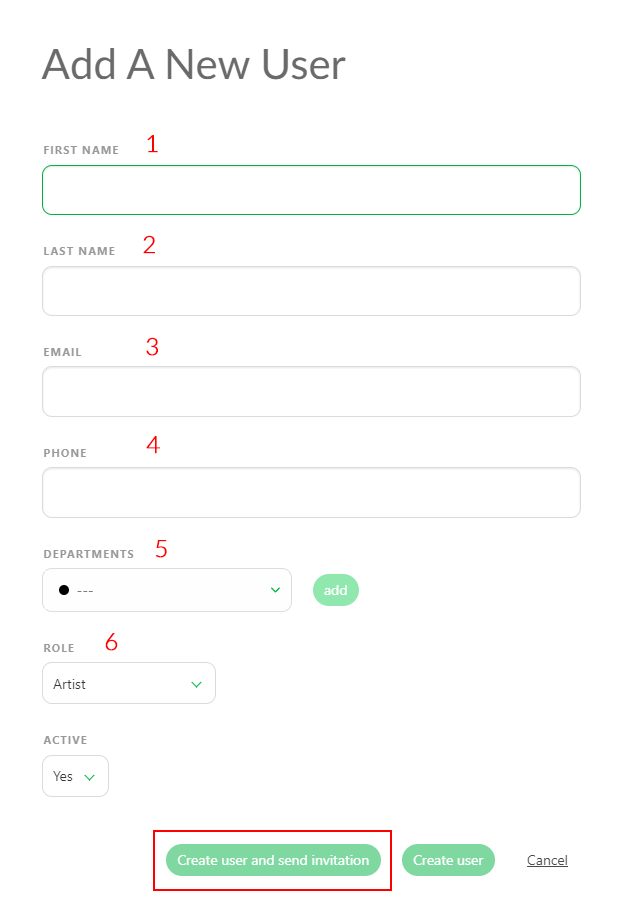
You will then be prompted to enter the following information: (please note from of the fields are required in order to create the user)
- First Name (MANDATORY)
- Last Name
- Email (MANDATORY)
- Phone Number
Important!
An email address is mandatory and must be unique in order to create an account.
- You can specify one or multiple Departments to link a user to.
Being assigned to a Departments will also affect what shows up on the My Checks page, displaying only tasks related to your department.
Finally, the timesheet page will be filtered to only tasks within your department as well.
Once a user is linked to a department, various options will become available to them. For example, they will have direct access to their department's view on the global homepage.
The department supervisor will be able to comment on all tasks within their department and assign tasks only to people from the same department(s).
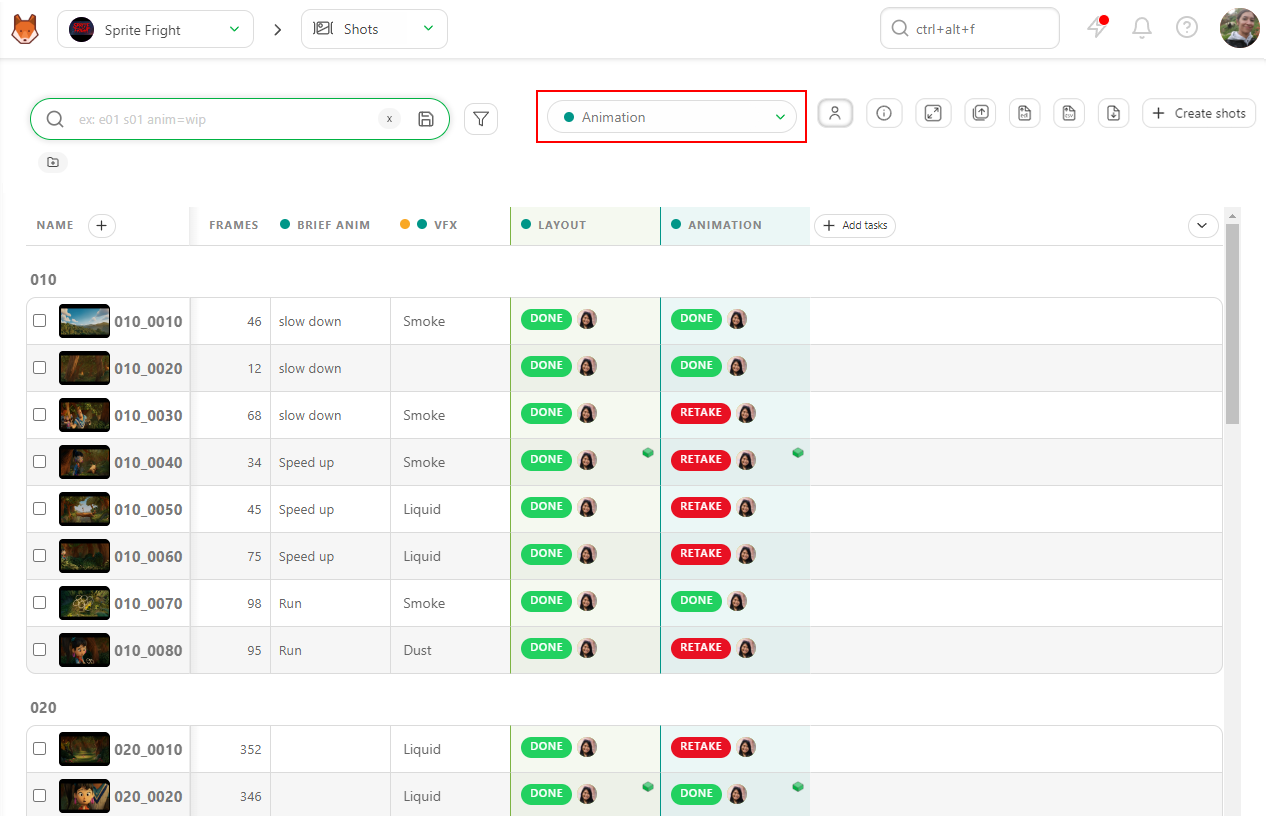
- Role: This is where you will define the permission role of the user (this will be explained below).
- Active
This section lets you choose whether to activate users immediately. If the user needs immediate access to Kitsu, set this to yes. However, there might be instances where you want to create a user but are not ready to give them access to Kitsu (for example, if you want to schedule tasks for an artist who is due to start work in two weeks). In this case, you can create and schedule the user, then simply enable them once they start.
Important!
Each user requires an individual account to log in to Kitsu.
Adding Users to a Production Team
Once you have created your production, you need to add users to the production's team to allow them access.
Being part of a team also allows tasks to be assigned to you.
TIP
You don't need to add the Studio Manager role to a team to give them read permission (since this role will have access to it anyways). However, if you want to assign them tasks, they will need to be added to the team.
To add users to a team, within your project, use the navigation dropdown menu at the top of the page and select the TEAM page.
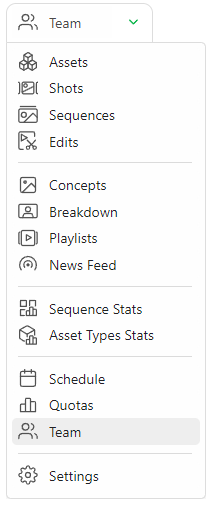
On the Team page, you can see all the users who have been assigned to this project. If you've just created a brand new project, this page will be empty. You can also quickly switch to the team page for a different project by selecting the project name in the drop down menu at the top of the page.
WARNING
Permissions and departments are set at the Studio Level. You can't adjust these at the production level.
Removing Users From A Team
To remove a user from a production, go to Production Menu > Team, hover your cursor over the row of the corresponding user, and click the Remove button.
Removing a user from a department happens in the Main Menu > Studio > People page. Just click on the Edit button for the target user and in the departments section click the department you wish to remove the person from.
Delete Users
To delete a user you must first edit their status to Inactive in the studio's People page.
Then, go to the Inactive tab, hover your cursor over the user you wish to select, and click the Delete icon.