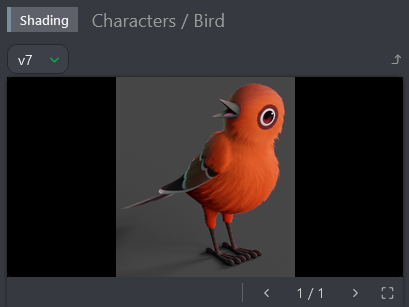
Request a Review
Once your task has been completed, you can submit it for review. To do this:
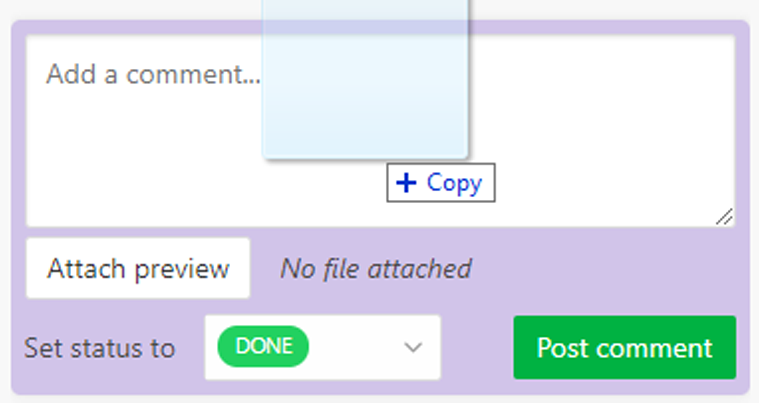
- Change the task status to Waiting for Approval (WFA).
- Attach a preview file by dragging it into the upload area or clicking Attach Preview.
- Click Post to finalize your submission.
Previous revisions are saved and remain accessible for reference.